
Cart 2 india


In2Cart
Rs. 0


Product Information
Specification
Brand : AGCUT
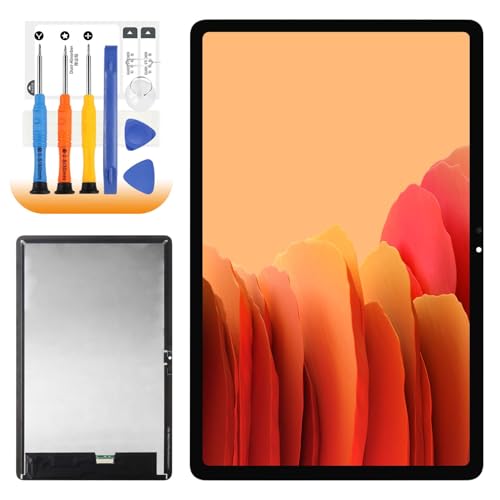
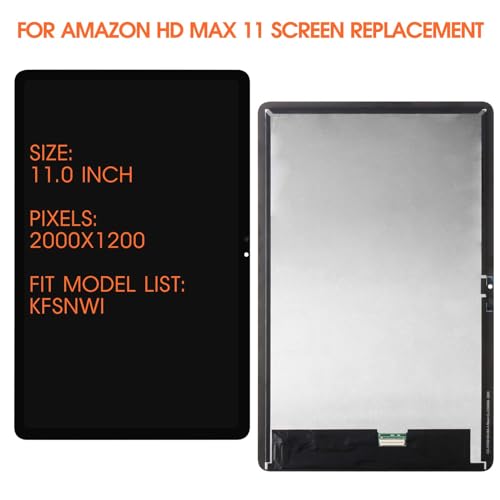
BulletPoint1 : ➤【Parameters】For Amazon Kindle Fire Max 11 screen replacement, please confirm your phone model before purchasing.
BulletPoint2 : ➤【100% Quality Guarantee】All for Amazon Max 11 screen replacement are strictly QC tested before shipment, 100% intact. Make sure for M2V3R5 lcd replacement are no scratches, no dead zones, no dot pixels or lines on the screen. High color saturation, high resolution, wide color gamut and smooth hand feel.
BulletPoint3 : ➤【Perfect Quality Screen】For The Amazon Kindle Fire Max 11 lcd display has high brightness, high pixel, bringing you a clearer and more colorful screen world, and enjoy the original visual experience.
BulletPoint4 : ➤【Application】Used to replace the defective LCD display touch screen digitizer assembly for Amazon Kindle Fire HD Max 11 . Examples include incorrect screen response, display issues, pixel distortion, cracked LCD screen, wrong colors, old or frozen LCD.
BulletPoint5 : ➤【Installation and Service】 Please test the Screen Replacement for Amazon Kindle Fire HD Max 11 before installation to ensure the normal use of the Amazon Max 11 lcd. Non-professional installation is not recommended. If you need help and screen replacement for Amazon Kindle Fire Max 11 lcd Installation instructions video, You can ask us for help, or find the installation video on YouTube.You can also go to the local repair shop and have a professional replace the screen for you.
Clarity : 10
Color : White
CompatibleDevices : Tablet
CompatibleDevices1 : iPad Air 11 (2024)
CompatibleDevices2 : iPad Air 13 (2024)
CompatiblePhoneModels : iPad 6
CompatiblePhoneModels1 : iPad Air 11 (2024)
CompatiblePhoneModels2 : iPad Air 13 (2024)
ConnectorGender : Male-to-Male
ConnectorType : Usb
ExternallyAssignedProductIdentifier : 8220005628432
ExternallyAssignedProductIdentifier1 : 0710694645745
ExternallyAssignedProductIdentifier2 : 710694645745
GpsrSafetyAttestation : 1
IncludedComponents : for Amazon Fire Max 11
IndoorOutdoorUsage1 : outdoor
IndoorOutdoorUsage2 : indoor
ItemHardness : 9H
ItemName : for Amazon Fire HD Max 11 Screen Replacement Fire HD Max 11 LCD Display Touch Digitizer Assembly Repair Parts 11inch
ItemPackageDimensions_Height : 29.21 centimeters
ItemPackageDimensions_Length : 3.9116 centimeters
ItemPackageDimensions_Width : 21.8948 centimeters
ItemPackageQuantity : 1
ItemShape : Round
ItemTypeKeyword : touch-screen-tablet-computer-replacement-screens
Manufacturer : AGCUT
Material : Tempered Glass
ModelName : iPad 6
ModelNumber : iPad 6
NumberOfItems : 5
PartNumber : Spare Parts
Pattern : Solid
ProductDescription :
Our Screen Is High Quality touch screen digitizer replacement for Amazon Kindle Fire HD Max 11
-Product Description
-Suitable For: For Amazon Kindle Fire HD Max 11 screen replacement
-Package Including:
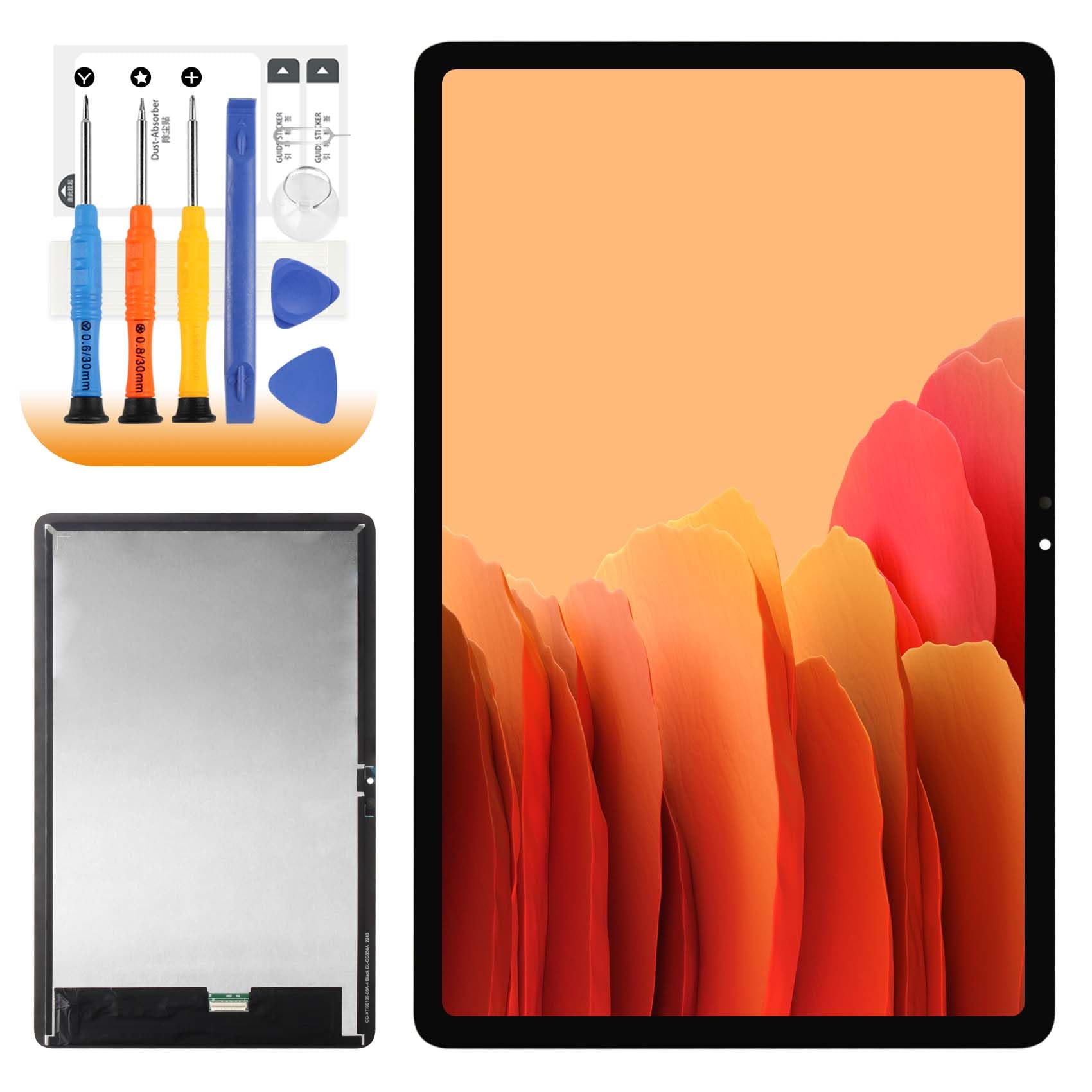
1x for Amazon Kindle Fire HD Max 11 LCD screen replacement
1x A Set Of Special Disassembly Tools
1x Double-sided Adhesive Tape
1x dust removal sticker
1x Tempered Film for HD Max 11 screen replacement
Installation Precautions:
1. Check whether the product is in good condition and test it before installation. Do not remove protective film or labels during testing. Watch out for static issues.
2. The screen replacement for Amazon Kindle Fire Max 11 is glass, which is a very fragile product. Testing before installation is strongly recommended
3. Do not bend the cable. During installation and testing, make sure the LCD cable is not bent. Curvatures greater than 90 degrees will result in a black view.
4. If your device has a black screen during installation, press and hold the power key and volume key at the same time. If the device vibrates, it's because the mainline is not installed properly. Then reinstall the product.
5. If you are not professional in maintenance, or have no experience in repairing electronic equipment, we do not recommend you to replace the screen by yourself. Take it to a repair shop for help. Or find the Related installation videos on the YouTube platform and follow the installation steps to install.
ProductSiteLaunchDate : 2023-12-20T10:09:21.273Z
ScreenSurfaceDescription : Glossy
SupplierDeclaredDgHzRegulation : unknown
SupplierDeclaredHasProductIdentifierExemption : 1
UnitCount : 1
UnspscCode : 43210000
WarrantyDescription : 3 months
