
Cart 2 india


In2Cart
Rs. 0

0


Product Information
Specification
Brand : Daymeet
Brightness : 460 lumen
BulletPoint1 :
BulletPoint2 :
BulletPoint3 :
BulletPoint4 :
BulletPoint5 :
Color : Solid Colours
ColorTemperature : 6500 kelvin
ConnectivityProtocol : Bluetooth
ConnectivityTechnology : Radio Frequency
ConnectivityTechnology1 : USB
ConnectivityTechnology2 : Bluetooth
ControllerType : Remote Control
ControllerType1 : Remote Control
ControllerType2 : App Control
ControllerType3 : Apple HomeKit
ControllerType4 : Google Assistant
ControllerType5 : SmartThings
ControlMethod : remote
ControlMethod1 : remote
ControlMethod2 : application
Coverage : 15meters
ExternallyAssignedProductIdentifier1 : 4897105331520
ExternallyAssignedProductIdentifier2 : 04897105331520
FinishType : Painted
FixtureType : Removable
FormFactor : flexible strip
Hazmat1 : LITHIUM METAL BATTERIES CONTAINED IN EQUIPMENT
Hazmat10 : DE_SmallLithiumMetalBatteryInEquipment
Hazmat11 : EG_SmallLithiumMetalBatteryInEquipment
Hazmat12 : ES_SmallLithiumMetalBatteryInEquipment
Hazmat13 : FR_SmallLithiumMetalBatteryInEquipment
Hazmat14 : GB_SmallLithiumMetalBatteryInEquipment
Hazmat15 : IE_SmallLithiumMetalBatteryInEquipment
Hazmat16 : IN_SmallLithiumMetalBatteryInEquipment
Hazmat17 : IT_SmallLithiumMetalBatteryInEquipment
Hazmat18 : JP_SmallLithiumMetalBatteryInEquipment
Hazmat19 : MX_SmallLithiumMetalBatteryInEquipment
Hazmat2 : UN3091
Hazmat20 : NL_SmallLithiumMetalBatteryInEquipment
Hazmat21 : PL_SmallLithiumMetalBatteryInEquipment
Hazmat22 : SA_SmallLithiumMetalBatteryInEquipment
Hazmat23 : SE_SmallLithiumMetalBatteryInEquipment
Hazmat24 : SG_SmallLithiumMetalBatteryInEquipment
Hazmat25 : TR_SmallLithiumMetalBatteryInEquipment
Hazmat26 : US_SmallLithiumMetalBatteryInEquipment
Hazmat27 : ZA_SmallLithiumMetalBatteryInEquipment
Hazmat28 : 9
Hazmat3 : II
Hazmat4 : AE_SmallLithiumMetalBatteryInEquipment
Hazmat5 : AU_SmallLithiumMetalBatteryInEquipment
Hazmat6 : BE_SmallLithiumMetalBatteryInEquipment
Hazmat7 : BR_SmallLithiumMetalBatteryInEquipment
Hazmat8 : CA_SmallLithiumMetalBatteryInEquipment
Hazmat9 : CN_SmallLithiumMetalBatteryInEquipment
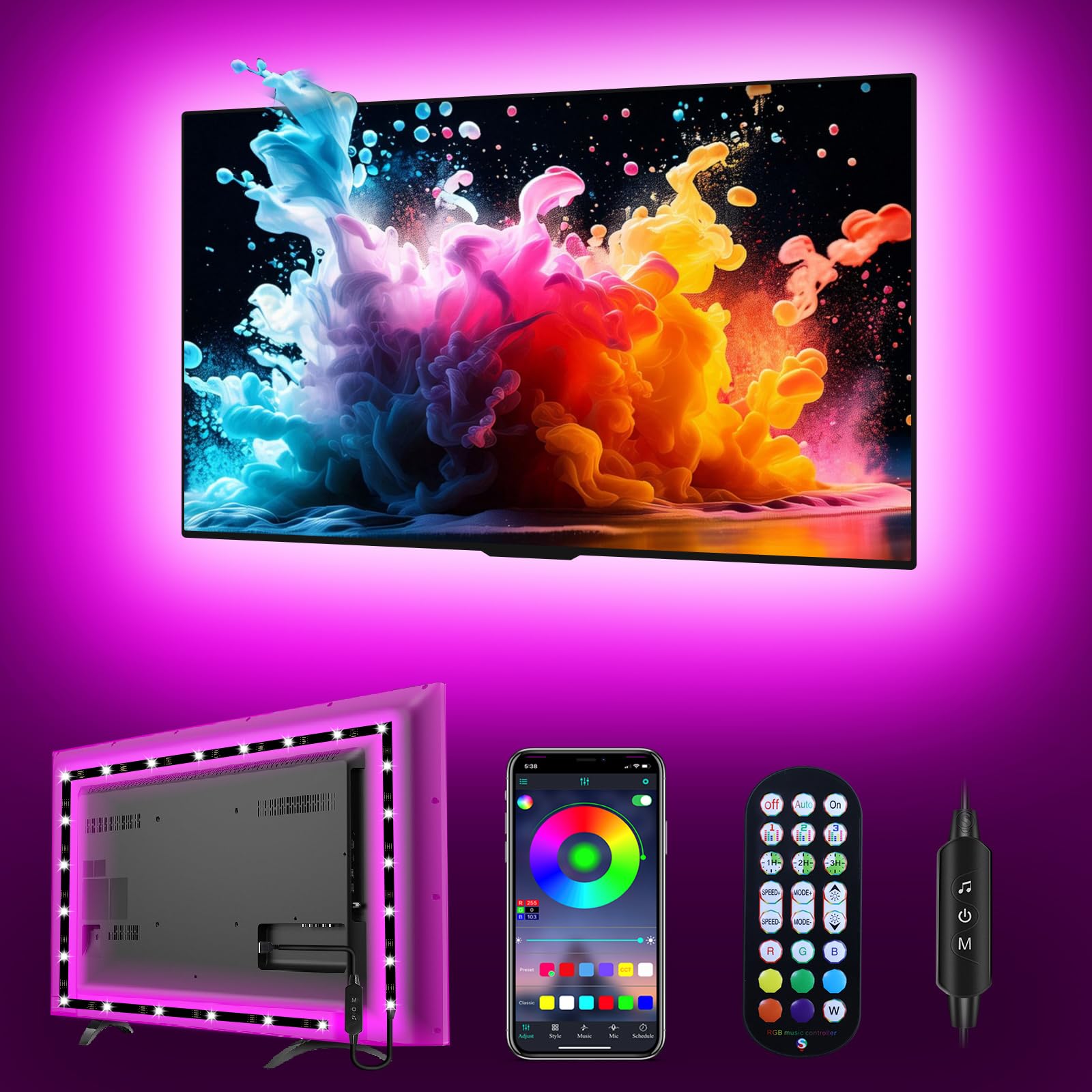
IncludedComponents : LED light strip, remote control, controller box
IndoorOutdoorUsage : indoor
InstallationType : Surface Mount
IsAssemblyRequired : 1
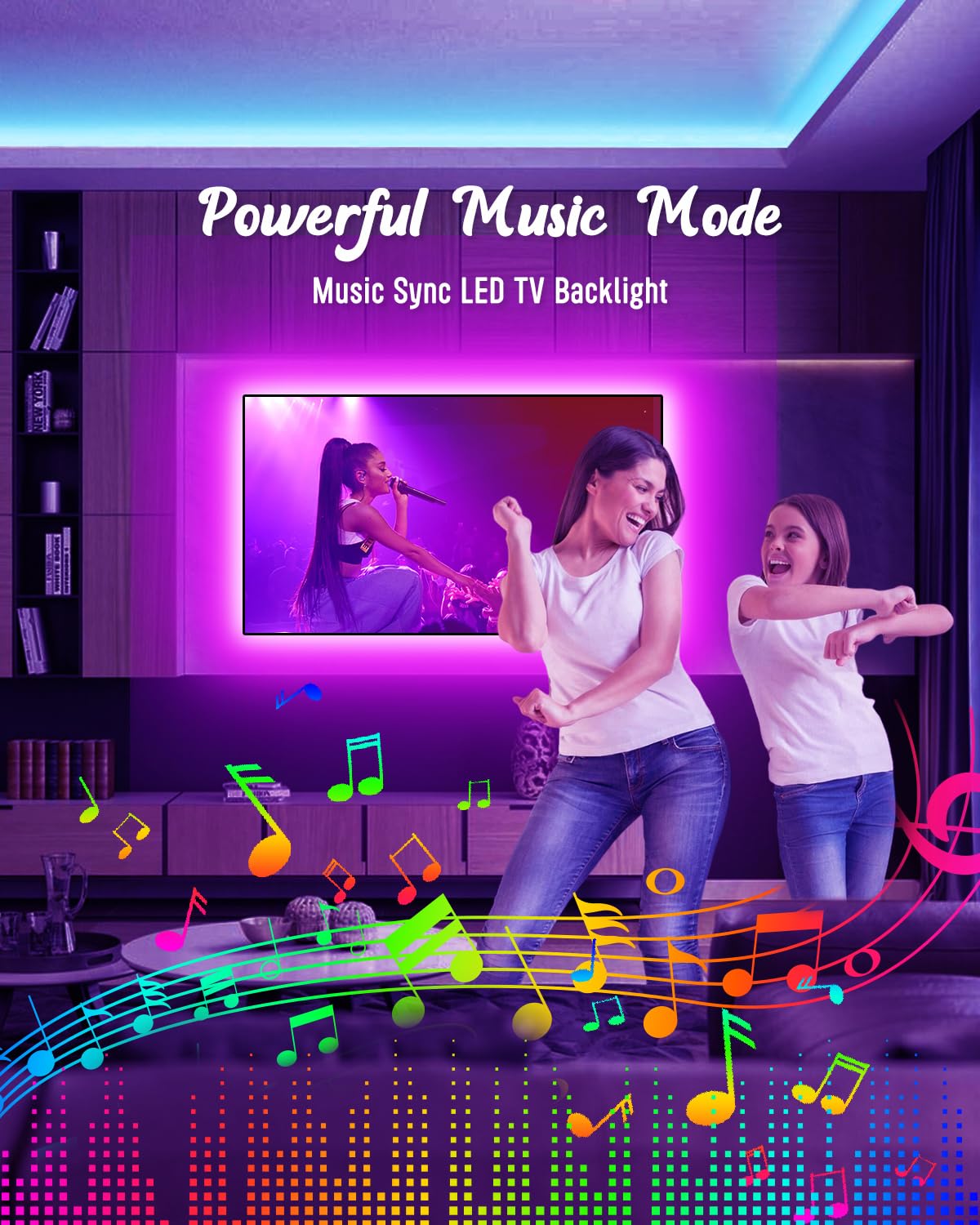
ItemName : LED Lights for TV Led Backlight, 16.4ft LED TV Backlights for 45-75 inch USB TV Behind Lighting Color Changing RGB TV Led Light Strip with Remote Music Sync Bluetooth APP Control for Bedroom Gaming
ItemPackageDimensions_Height : 16.5 centimeters
ItemPackageDimensions_Length : 1.5 centimeters
ItemPackageDimensions_Width : 13.1 centimeters
ItemPackageQuantity : 1
ItemShape : Panel
ItemTypeKeyword : led-strip-lights
LightColor : Multicolor
LightColor1 : RGBW
LightColor2 : Multicolor
LightFixtureForm : wall
LightingMethod : LED
Manufacturer : Daymeet
MasterPackLayersPerPalletQuantity : 6
MasterPacksPerLayerQuantity : 12
Material : Rubber
ModelName : Nanoleaf Shapes Black Triangles
ModelNumber : LED Lights for TV-XXX
MountingType : Wall Mount
NumberOfBoxes : 1
NumberOfItems : 1
NumberOfLightSources : 150
OccasionType1 : Birthday
OccasionType2 : Christmas
PackageLevel : unit
PartNumber : Led Lights for TV
PowerSourceType : Corded Electric
ProductDescription : Parameter
Name: ALITOVE WS2812B WS2811 Mini RF Remote Controller
Working temperature: -20℃~60℃
Working voltage: DC5V~24V
Working current: 30mA
Remote distance: 15 Meters
Remote size: 85mm*40mm*7mm
Product weight: 30g
Certificates: CE, RoHS
Kindly note
1. The controller’s input voltage is 5V~24V, but it can’t regulate the output voltage.
That means you should choose power supply according to your led lights, not the controller.
If your LED light needs 5V input, please use a 5V power supply, NEVER use a 12V or 24V power supply. Otherwise, your led light will be burnt out.
Please never use power supply more than 24V or less than 5V.
2. If the controller displays the wrong colors, for example red button shows green, please don’t worry, it doesn't mean the controller is defective. Resetting the R/G/B order again will resolve the issue.
How to reset R/G/B Order ?
1. Press and hold the SETTING button until LED flash on white once and then keep on white.
2. Press the R button until LEDs turn red; press the G button until LEDs turn Green, press the B button until LEDs turn Blue.
3. Press the SETTING button again to confirm your setting.
Package:
1x RF LED remote
1x receiving controller
1x operating instruction
ProductSiteLaunchDate : 2024-04-17T07:00:00.000Z
RecommendedUsesForProduct : 5V WS2812B and 12V/24V WS2811 LED lights
RoomType : Bedroom, Living Room, Dining Room, Kitchen, Kids, Nursery, Home Office, Game Room
Size : 16.4ft for 45"-85"TV
SpecificUsesForProduct : Home
Style : Modern
SupplierDeclaredDgHzRegulation : not_applicable
SwitchType : Touch
Theme : Rainbow
Theme1 : Music
Theme2 : Halloween
UnitCount : 16.4
UnspscCode : 39112000
Voltage : 24 volts
WarrantyDescription : 2 year parts.
WarrantyType : 2 Year Parts
WaterResistanceLevel : not_water_resistant
Wattage : 12.5 watts
