
Cart 2 india


In2Cart
Rs. 0

0


Product Information
Specification
Brand : HSSDTECH
BulletPoint1 : for HP Envy x360 Rubber feet Bottom Cover Rubber Foot Replacement for HP Envy x360 15-ED 15-EE 15M-ED 15M-EE L93197-001
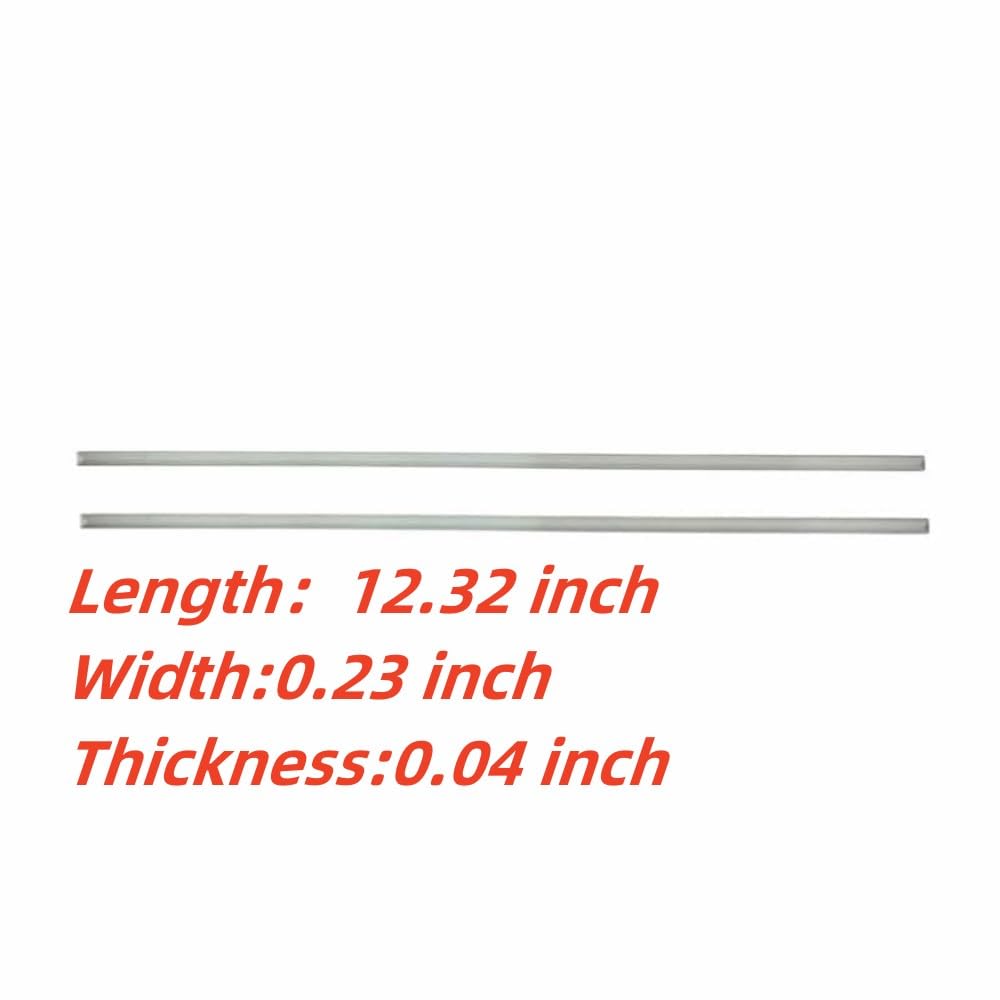
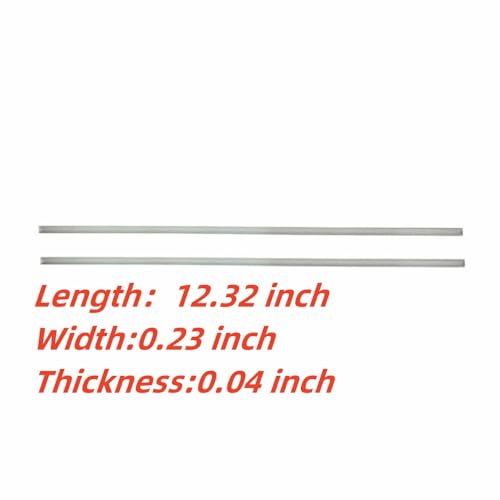
BulletPoint2 : Product size :Length:12.32 Width:0.23 inch Thickness:0.04 inch P/N:L93197-001
BulletPoint3 : Easy to use: There is adhesive on one side of the rubber strip,The adhesive on the Bumper Feet Strips of the release liner ensures that they are firmly attached to the bottom base of the laptop.Strong slip resistance ,excellent adhesion, and not easy to peel off.The effect is very good!
BulletPoint4 : 【Buy without risk】For any reason you are not satisfied, you can return it and WE WILL REFUND you full money! If any doubts,pls not hesitate to contact with me.
BulletPoint5 : for HP Envy 15-ED Series 15-ED1055WM 15-ED1047NR 15-ED1076NR 15-ED1010NR 15-ED1031NR 15-ED0056NR 15-ED0001LA 15-ED0002LA 15-ED1011LA 15-ED1012LA 15-ED1013LA 15-ED1014LA 15-ED1014LA 15-ED1501LA
BulletPoint6 : 2PCS Bottom Cover Rubber Feet Strips for HP Envy 15M-ED Series 15M-ED0013DX 15M-ED0023DX 15M-ED1013DX 15M-ED1023DX 2PCS Bottom Cover Rubber Feet Strips
BulletPoint7 : Laptop Rubber Feet Strips for HP Envy 15-EE 15M-EE Series 15-EE1000 15-EE1077NR 15-EE1018NR 15-EE1086NR 15-EE0047NR 15-EE1010NR 15-EE1093CL 15-EE0003CA 15-EE0010CA 15M-EE0023DX 15M-EE0013DX
Color : silvery
CompatibleDevices : PC
ConnectivityTechnology1 : USB-A
ConnectivityTechnology2 : USB-C
ExternallyAssignedProductIdentifier1 : 610195648637
ExternallyAssignedProductIdentifier2 : 0610195648637
GpsrSafetyAttestation : 1
HandOrientation : Ambidextrous
ItemName : HSSDTECH 2pcs Bottom Cover Rubber Feet Strips Pad Replacement for HP Envy x360 15-ED 15-EE 15M-EE 15M-ED Series 15M-ED0013DX 15M-ED0023DX,L93197-001 Laptop Bottom Case Nonskid Silicone Bumper Rubber
ItemPackageDimensions_Height : 9.5 centimeters
ItemPackageDimensions_Length : 1.8 centimeters
ItemPackageDimensions_Width : 5.4 centimeters
ItemPackageQuantity : 1
ItemTypeKeyword : laptop-computer-replacement-parts
KeyboardDescription : Standalone
KeyboardLayout : qwerty
Manufacturer : HSSDTECH
Material : Plastic
ModelNumber : 2XNZ06145S-LY1
NumberOfBoxes : 1
NumberOfItems : 20
NumberOfKeys : 78
PartNumber : 2XNZ06145S-LY1
PowerSourceType : Wired
ProductDescription :
【 Buy without risk】For any reason you are not satisfied, you can return it and WE WILL REFUND you full money! If any doubts,pls not hesitate to contact with me.
Bottom Cover Rubber Foot Compatible With Replacement for HP Envy x360 15-ED 15-EE 15M-ED 15M-EE Series
for HP Envy 15-EE Series
Envy 15-EE1000
Envy 15-EE1077NR
Envy 15-EE1018NR
Envy 15-EE1086NR
Envy 15-EE0047NR
Envy 15-EE1010NR
Envy 15-EE1093CL
Envy 15-EE1083CL
Envy 15-EE0003CA
Envy 15-EE0010CA
Envy 15-EE0020CA
for HP Envy 15-ED feet rubber Series
Envy 15-ED1055WM
Envy 15-ED1047NR
Envy 15-ED1076NR
Envy 15-ED1010NR
Envy 15-ED1031NR
Envy 15-ED0056NR
Envy 15-ED0001LA
Envy 15-ED0002LA
Envy 15-ED1011LA
Envy 15-ED1012LA
Envy 15-ED1013LA
Envy 15-ED1014LA
Envy 15-ED1501LA
for HP Envy 15M-EE Series
Envy 15M-EE0023DX
Envy 15M-EE0013DX
for HP Envy 15M-ED Series
Envy 15M-ED1013DX
Envy 15M-ED1023DX
Envy15M-ED0013DX
Envy15M-ED0023DX
Laptop Rubber Feet Strips Replacement Tutorial
1. Choose a suitable Rubber Feet Strips Rubber foot pads are more durable and have a longer lifespan. Long service life, not easily detached
2.Remove the old foot Pads Before disassembling the old foot Pads, some tools need to be prepared. You can use a pointed knife or a thin pair of pliers to slowly pry off the old Rubber Feet Strips. Be careful not to forcefully pry open with hard objects to avoid damaging the body. At the same time, it is necessary to clean the back of the machine to ensure that the new foot pads are tightly attached to the bottom
3.Repalacement new rubber feet strips. Prepare a new laptop Rubber Feet Strips, place it in the same position as the old one, and then slowly press it down. During the installation process, it is necessary to carefully observe the adhesion performance of each foot pad to ensure that it can be firmly adhered at every position. After installation, you can check if the new foot mat matches the body completely.
Matters needing attention
1.When disassembling and installing, pay attention to gentle handling to avoid damaging the position of the body and screws.
2. Check the model of your laptop to avoid purchasing the wrong Rubber Feet Strips.
3. After installing the new foot mat, clean the machine to ensure better adhesion of the new Rubber Feet Strips.
replacement rubber feet for hp/laptop rubber feet replacement
【The advantages of installing rubber foot pads】
1、Allow you to raise your viewing angle and improve your typing experience, thus relieving the pain on your neck and back.
2、 By elevating the laptop, add bottom air circulation reducing laptop temperature to achieve the purpose of heat dissipation rubber laptop feet.
3、Strong anti slip performance,prevent sliding on smooth surfaces, like glass, plastic, ceramic, wood, etc computer feet cushion.
ProductSiteLaunchDate : 2023-02-16T06:58:52.471Z
RecommendedUsesForProduct : Everyday Use
Style : Classic
SupplierDeclaredDgHzRegulation : not_applicable
SupplierDeclaredHasProductIdentifierExemption : 1
Theme : Floral
UnspscCode : 43210000
