
Cart 2 india


In2Cart
Rs. 0

0


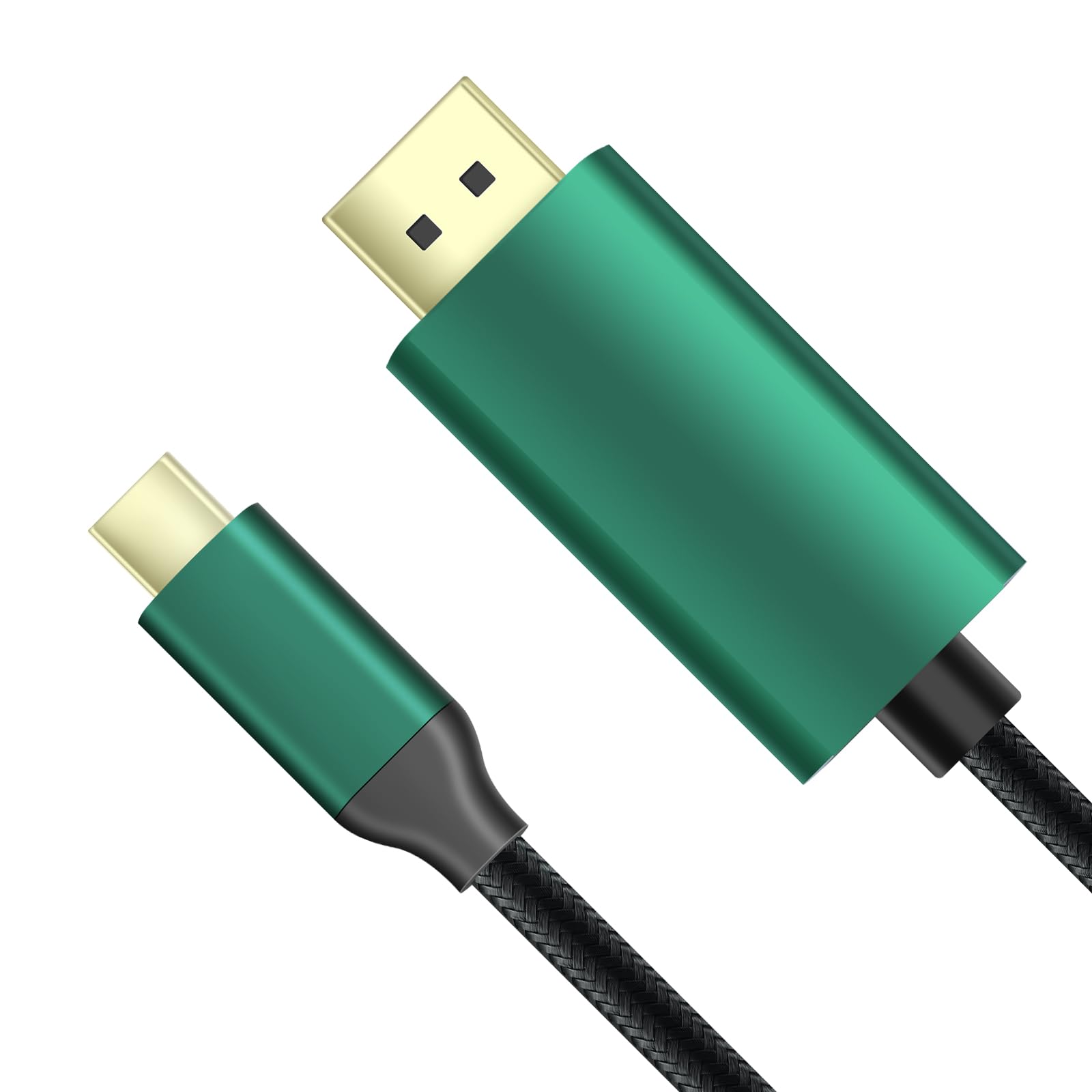

Product Information
Specification
Brand : GiantMatrix
BulletPoint1 : KVM Switch displayport cable can support usb c to dp, Thunderbolt to displayport and mac output when you use all of the Giantmatrix displayport kvm switch .when your laptop or mac which is type-c or hhunderbolt output, and you need a kvm switch to switching between computers, you just use the type-c to dp kvm switch cable between the computer and kvm,The usb c to dp kvm swtich cable is specially used for GiantMatrix Displayport kvm switch.
BulletPoint2 : The display port kvm switch cable: USB C to DisplayPort 1.4 cable supports 8K@60Hz, 5K(5120x2880)@60Hz, 5120x1440@120Hz, 4K@144Hz, 2K@240Hz/165Hz
BulletPoint3 : For dp kvm cable: Supports DSC, FEC, HDR/DisplayHDR, HDCP 2.2/1.4 and Windows PC MST (Multistream Transport). Supports Macbook Clamshell Mode only connected to the power.
BulletPoint4 : The kvm switch USB C to DisplayPort 1.4 Cable: MacBook Pro(2021-2017), Mac Studio, Mac Mini 2018/2020, iMac(2018/2017), iPad Pro (2021/2020/2018), Dell XPS 15/13, ALIENWARE m15/m17, Surface Book 7, Chromebook/Pixelbook, Yoga 920, Samsung Galaxy S21/S20.
BulletPoint5 : The kvm switch 5K Type C to DP 1.4 Cable: high quality copper , stable signal transmission,Aluminum shell , good heat dissipation.The 24K gold-plated interface conducts faster, and the built-in tinplate can effectively shield signal interference. Quality nylon braided jacket has passed rigorous bend tests over 15,000 times
BulletPoint6 : ♛【Note 2】Correct operation is each computer has 2 cables(kvm cable and hdmi cable) to connect with dual monitor kvm switch. Note: The Kvm cable's HDMI sides needs to be connected to the M-PC port (Not S-PC port) of the kvm switch to ensure the normal operation of the mouse and keyboard.Kvm cable's HDMI+USB sides must be connected to same PC
BulletPoint7 : ♛【Note 3】When the cable is connected correctly. The initialization step is required. Press and hold the No. 1 key on the panel kvm and keep it for 8-10 seconds until you hear the BEEP sound, the initialization is successful,Otherwise, a black screen may appear
BulletPoint8 : ♛【Note 4】After connecting the computers and the monitors through KVM, you need to set the screen output mode on the computer (press Windows+P) and select the output mode in the pop-up window on the screen. Otherwise, only one of the two connected monitors has an image
CircuitType : 2-way
Color : Green
ConnectivityProtocol : DisplayPort
ConnectorType : Type-c to Dp
ControllerType : USB C to DisplayPort
ControlMethod : touch
CurrentRating : 5 amps
CustomerPackageType : Standard Packaging
ExternallyAssignedProductIdentifier1 : 768534389373
ExternallyAssignedProductIdentifier2 : 0768534389373
ExternallyAssignedProductIdentifier3 : 00662774042923
IncludedComponents : 2x DVI-D Dual-Link cable (6ft)
InternationalProtectionRating : IP54
ItemName : GiantMatrix USB C to DisplayPort kvm Switch Cable ,Support 8K@60Hz, 4K@144Hz, 2K@240Hz, 5K Type C to DP 1.4 Cable, Compatible for MacBook Pro M1 M2, Mac Studio, Mac Mini, XPS, 6 ft
ItemPackageDimensions_Height : 0.86 inches
ItemPackageDimensions_Length : 6.29 inches
ItemPackageDimensions_Width : 3.54 inches
ItemPackageQuantity : 1
ItemShape : Round
ItemTypeKeyword : computer-data-switches
Manufacturer : GiantMatrix
Material : Aluminum
ModelNumber : 0591852b-b571-4e1d-acda-c75684473b9a
MountingType : Panel Mount
NumberOfItems : 1
NumberOfPositions : 2
OperatingVoltage : 5 volts
OperationMode : ON-ON
PartNumber : kvm -switch -Cable001
ProductDescription :
It can support usb c to dp
Thunderbolt to displayport and mac output when you use all of the Giantmatrix displayport kvm switch
when your laptop or mac which is type c or hhunderbolt output
and you need a kvm switch to switching between computers
you just use the type c to dp kvm switch cable between the computer and kvm
The usb c to dp kvm swtich cable is specially used for GiantMatrix Displayport kvm switch
ProductSiteLaunchDate : 2023-10-31T07:00:00.000Z
StreetDate : 2019-09-26T00:00:01Z
Style : DisplayPort kvm Switch Cable
SupplierDeclaredDgHzRegulation : not_applicable
SwitchType : Kvm Switch
TerminalType : Solder
UnitCount : 1
UnspscCode : 43202222
