
Cart 2 india


In2Cart
Rs. 0

0


Product Information
Specification
Brand : Generic
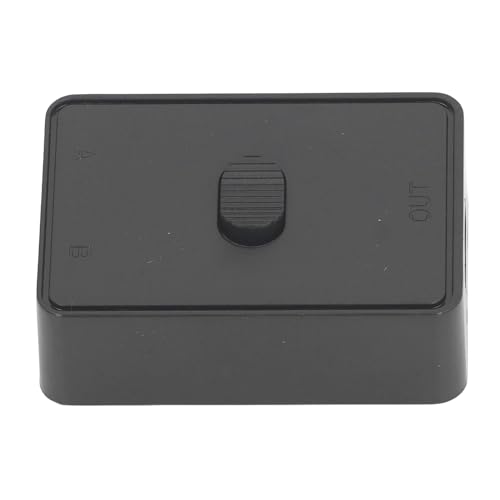
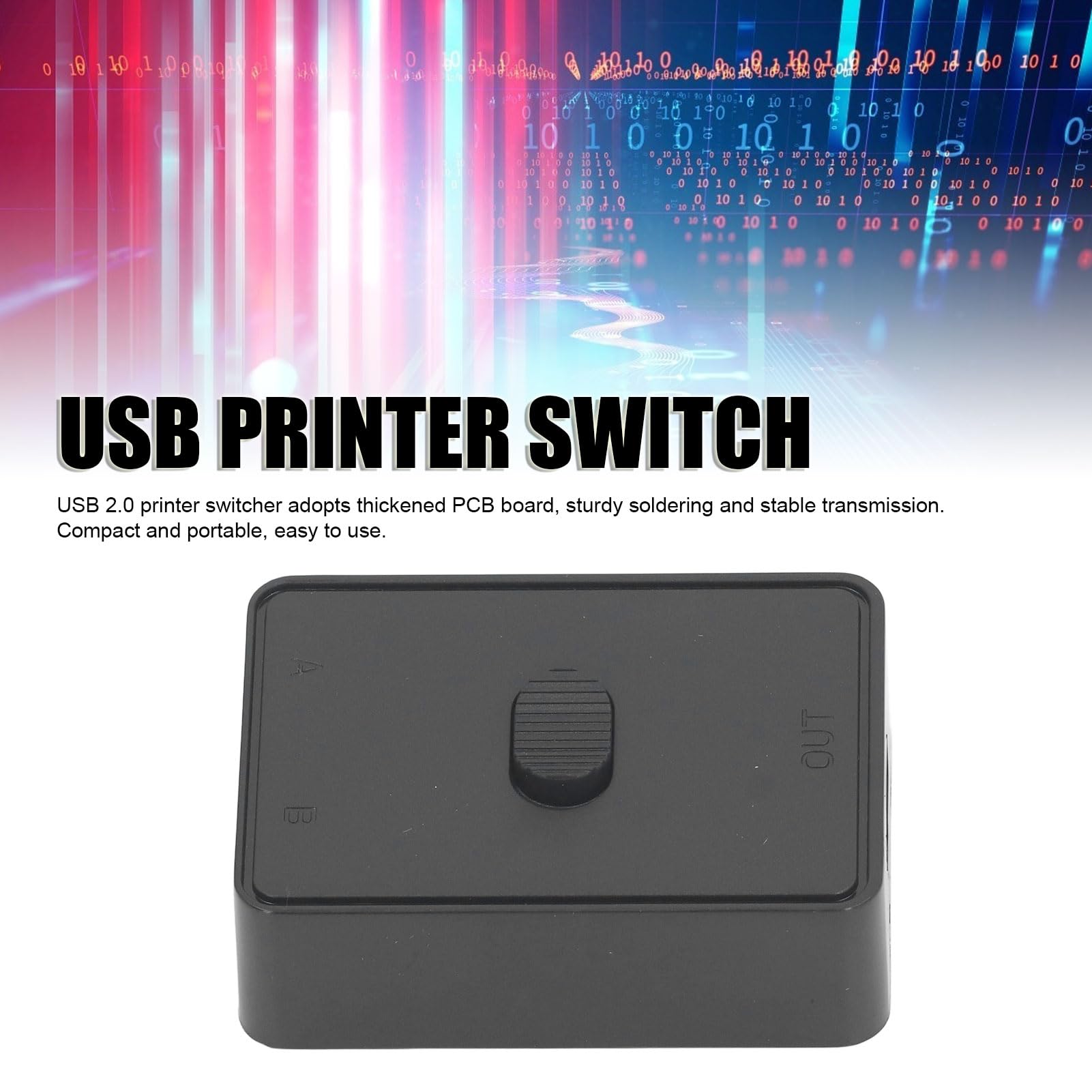
BulletPoint1 : Thickened PCB Board: USB 2.0 printer switcher adopts thickened PCB board, sturdy soldering and stable . Compact and portable, easy to use.
BulletPoint10 : Dual display port kvm switch,kvm switch dual monitor display port,kvm switch 2 monitors 2 computers displayport,Dual Monitor KVM switch Display Port 1.4: If your computer has a USB Type-C output and you need a Type-C KVM switcher, you can use a Type-C to DP cable, connect it to the DisplayPort KVM switches, and then use a DP cable to connect to the monitor. This setup will ensure the Type-C output works properly. Please note that there is no Type-C to DP cable included in the KVM box. If you need a Type-C to DP cable, you can purchase it by DaoFaZiRan Typec -c to dp cable.
BulletPoint2 : Case: USB printer switch case is made of unique polymer material, high temperature resistant, and sturdy, longer service life.
BulletPoint3 : Plug and Play: Bidirectional USB switch does not require external power supply, USB cable direct power supply, plug and play, no drivers need to be installed
BulletPoint4 : One Switch: The USB 2.0 switch is designed to switch between two computers with one , making your work more efficient and your desktop tidier.
BulletPoint5 : Bidirectional Switch: This compact USB 2.0 switcher allows you to share a USB device such as printer, scanner, mouse, keyboard, card reader, flash drive and other USB deivce between 2 computers.
BulletPoint6 : Note - Must use the included DC Adapter to operate the KVM. PD 100W charging adapter and cable not included and must be used to enable charging on USB-C Host [PC 2]. Battery not included for IR Remote.
BulletPoint7 : Displayport kvm Switch Dual Monitor 1440P,dual display port kvm switch 240hz,Display Port KVM switch 2 Monitors 2 Computers 4K 144Hz: This DP KVM switch supports hotkey switching, allowing you to switch between 2 computers. Use the hotkey sequence Right Ctrl + Right Ctrl + 1 + Enter to switch to PC-A, and Right Ctrl + Right Ctrl + 2 + Enter for PC-B. To turn the beep on or off, use Right Ctrl + Right Ctrl + B + Enter on your keyboard.4k kvm switch,displayport kvm
BulletPoint8 : Display port kvm switch 2 monitors 2 computers,dual monitor kvm switch displayport : If your computer has a Thunderbolt output and you want a Thunderbolt KVM switch, you can connect it using a Type-C to DP cable, then the DisplayPort KVM switch, and finally a DP 2.0 cable to the monitor. This setup will support the Thunderbolt input.kvm switch displayport,thunderbolt kvm switch ,thunderbolt switch,thunderbolt kvm
BulletPoint9 : Display port kvm switch dual monitor,kvm switch 2 monitors 2 computers display port,dp kvm switch dual moniotr: If your computer has an HDMI output and you need a DisplayPort KVM switch, you can use an HDMI to DP adapter cable, then connect it to the DisplayPort KVM switch, followed by a DP 2.0 cable to the monitor. This setup will ensure the HDMI output works properly. monitor 1440p 144hz,display port kvm switch,kvm swtich hotkey .
CircuitType : 2-way
Color : Black
CompatibleDevices : CL5808, CL5816, CS82U, CS84U
ConnectivityProtocol : Usb
ConnectorGender : Male-to-Male
ConnectorType : Usb
ControllerType : Push Button
ControlMethod : remote
CurrentRating : 0.5 amps
ExternallyAssignedProductIdentifier : 4712896223758
ExternallyAssignedProductIdentifier1 : 0082208806592
ExternallyAssignedProductIdentifier10 : 0132017755359
ExternallyAssignedProductIdentifier11 : 0672792002694
ExternallyAssignedProductIdentifier12 : 0115971621151
ExternallyAssignedProductIdentifier13 : 0132017805634
ExternallyAssignedProductIdentifier14 : 0172304347959
ExternallyAssignedProductIdentifier15 : 5054629338902
ExternallyAssignedProductIdentifier16 : 00672792002694
ExternallyAssignedProductIdentifier2 : 082208806592
ExternallyAssignedProductIdentifier3 : 132018345375
ExternallyAssignedProductIdentifier4 : 172304347959
ExternallyAssignedProductIdentifier5 : 672792002694
ExternallyAssignedProductIdentifier6 : 132017755359
ExternallyAssignedProductIdentifier7 : 5054533473461
ExternallyAssignedProductIdentifier8 : 0132018345375
ExternallyAssignedProductIdentifier9 : 5054484473466
IncludedComponents : 1X USB-C cable, 1X USB-A to USB-B cable, 1X HDMI cable, 1X DC Adapter
InternationalProtectionRating : IP54
ItemDisplayDimensions_Height : 2 inches
ItemDisplayDimensions_Length : 8 inches
ItemDisplayDimensions_Width : 7 inches
ItemName : Generic USB 2.0 Switch Selector, Bidirectional 1 in 2 Out Or 2 in 1 Out USB Switcher with Thickened PCB Board, Plug and Play, One Button Switch, for Printer Scanner Keyboard, Genericn8zqaw249o
ItemPackageDimensions_Height : 14.1 centimeters
ItemPackageDimensions_Length : 2.7 centimeters
ItemPackageDimensions_Width : 10.1 centimeters
ItemPackageQuantity : 1
ItemShape : Round
ItemTypeKeyword : computer-data-switches
LightType : LED
LowerTemperatureRating : 50 degrees_celsius
Manufacturer : Generic
Material : Polycarbonate
ModelName : Genericn8zqaw249o
ModelNumber : Genericn8zqaw249o
MountingType : Rack Mount
NumberOfItems : 1
NumberOfPositions : 1
OperatingVoltage : 5 volts
OperationMode : Plug
PartNumber : Genericn8zqaw249o
ProductDescription : Specification:Item Type: USB 2.0 SwitchMaterial: ABSInterface: USB2.0Package List:1 x USB 2.0 Switch
ProductSiteLaunchDate : 2024-03-19T17:21:53.603Z
SpecificationMet : CE
Style : kvm Switch display port 2 monitors
SupplierDeclaredDgHzRegulation : not_applicable
SupplierDeclaredHasProductIdentifierExemption : 1
SwitchType : Temperature Switch
TerminalType : Port
UnitCount : 1
UnspscCode : 39122200
UpperTemperatureRating : 40 degrees_celsius
