
Cart 2 india


In2Cart
Rs. 0

0


Product Information
Specification
Brand : GOWENIC
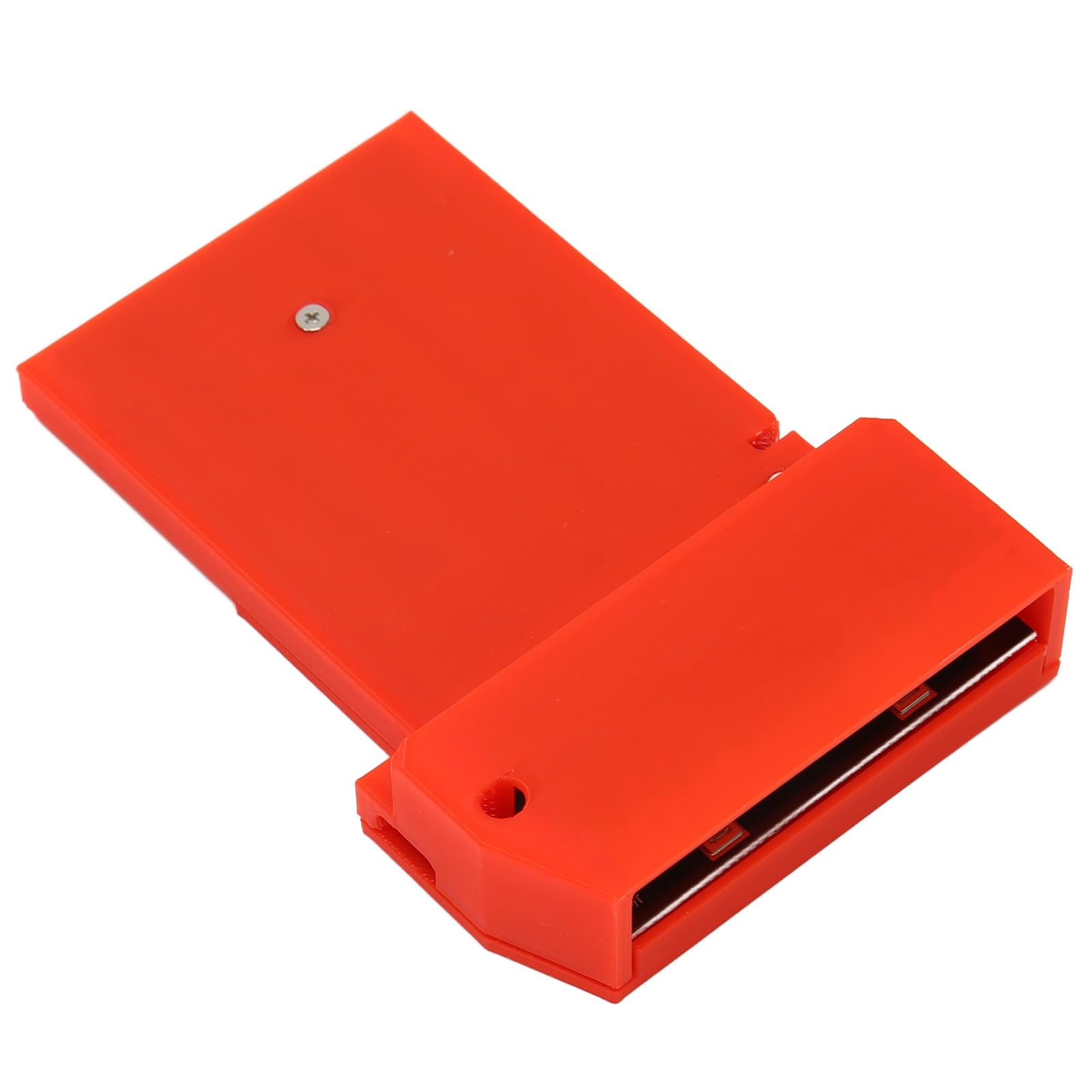
BulletPoint : SOL2MEVCLB SOLIOS eV-CL Y7367-00 REV.B Capture Card
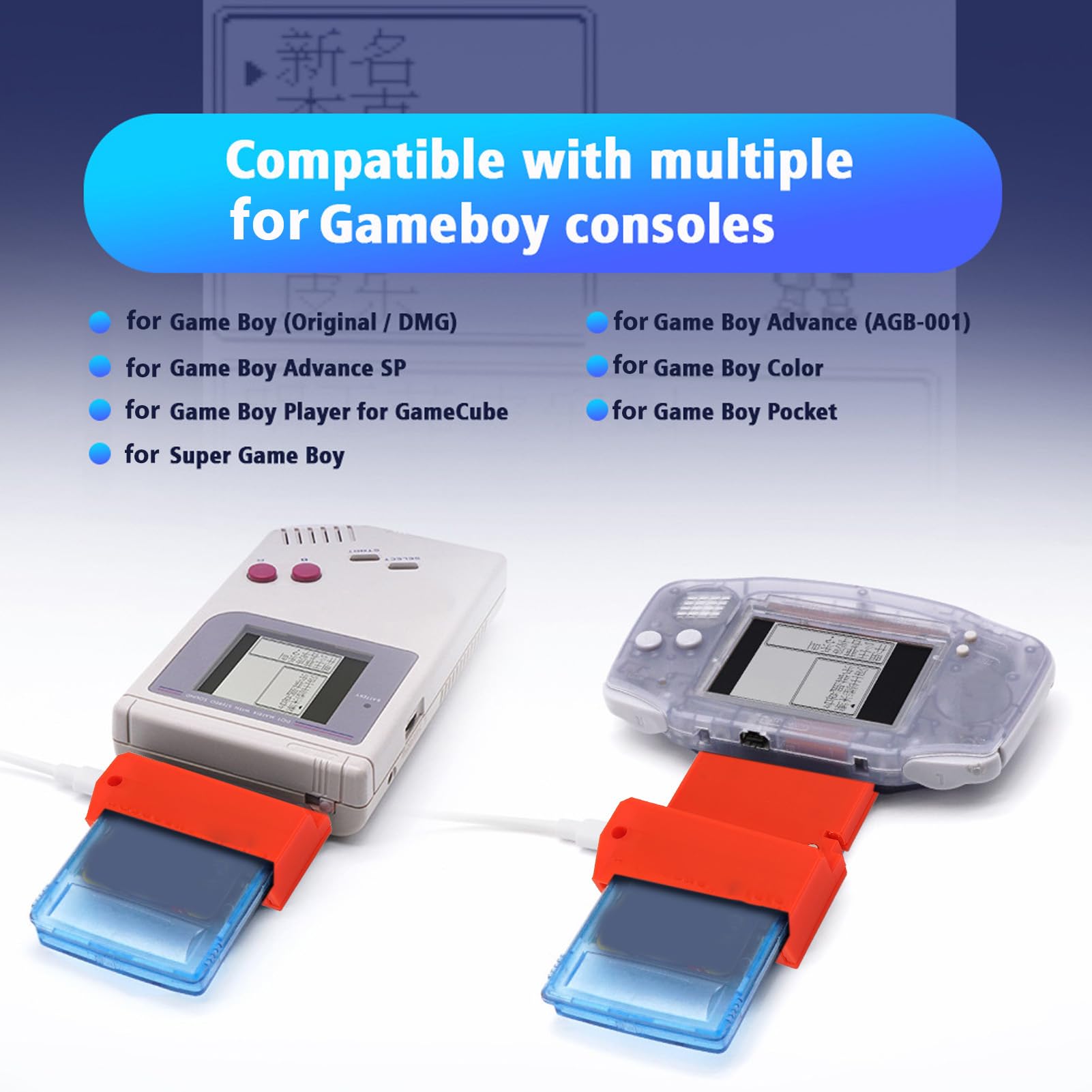
BulletPoint1 : [Application] For GBC, for GBA, for GBP video capture card for connecting unmodified for Game Boy and cassette tapes, the core processing unit consists of a for rp2040 (microcontroller for Pico), mainly based on the open source project for GB Interceptor.
BulletPoint2 : [Plug And Play] DIY video capture card is easy to use, plug and play. Capture or stream game footage via USB without modifying your for Gameboy, compatible with a wide range of consoles, you don't need to open the video stream first.
BulletPoint3 : [Important Step] Before the for Game Boy is turned on, the for GBinterceptor is powered via USB, plugged into the console, and then into the game card. Connect the for GbInterceptor to your computer, then turn on the for Gameboy to load the game's video feed onto the video software device.
BulletPoint4 : [Mode Game video capture card, mode (close to LED) toggles between grayscale, green and toggles frame mixing. Each press toggles the color, and each time it returns to grayscale it togglesmix.
BulletPoint5 : [Flash Flash (near center, usually inside case). Used only to refresh to a new firmware version. Simply hold it while plugging in the USB cable. the interceptor should show up as a storage device (such as USB flash drive) into which you can simply drag the new firmware file (uf2 file).
Color : red
CompatibleDevices : Personal Computer
CompatibleDevices1 : Television
CompatibleDevices2 : Personal Computer
ExternallyAssignedProductIdentifier : 9497452688374
HardwareInterface : usb
IncludedComponents : Capture Card
IncludedComponents1 : Capture Card
IncludedComponents2 : Installation Guide
ItemName : GOWENIC VideoCard for GBC GBA GBP Consoles, for Game Boy DIY VideoCard, Plug and Play Flash LED Design for GB Interceptor for GBC for GBP Console (red), GOWENIC7ig3s1n98a-12
ItemPackageDimensions_Height : 2 centimeters
ItemPackageDimensions_Length : 10 centimeters
ItemPackageDimensions_Width : 8 centimeters
ItemPackageQuantity : 1
ItemTypeKeyword : computer-internal-tv-tuner-and-video-capture-cards internal-tv-tuner-&-video-capture-cards
Manufacturer : GOWENIC
Material : PCB
ModelName : GOWENIC7ig3s1n98a-12
ModelNumber : GOWENIC7ig3s1n98a-12
OperatingSystem1 : Windows 8
OperatingSystem2 : Windows 7
PartNumber : GOWENIC7ig3s1n98a-12
Platform : gameboy
Platform1 : windows
Platform2 : linux
ProductDescription : 1. [Application] For GBC, for GBA, for GBP videocard for connecting unmodified for Game Boy and cassette tapes, the core processing unit consists of a for rp2040 (microcontroller for Pico), mainly based on the open source project for GB Interceptor.2. [Plug And Play] DIY videocard is easy to use, plug and play.or stream game footage via USB without modifying your for Gameboy, compatible with a wide range of consoles, you don't need to open the video stream first.3. [Important Step] Before the for Game Boy is turned on, the for GBinterceptor is powered via USB, plugged into the console, and then into the game card. Connect the for GbInterceptor to your computer, then turn on the for Gameboy to load the game's video feed onto the video software device.4. [Mode Game videocard, mode (close to LED) toggles between grayscale, green and toggles frame mixing. Each press toggles the color, and each time it returns to grayscale it togglesmix.5. [Flash Flash (near center, usually inside case). Used only to refresh to a new firmware version. Simply hold it while plugging in the USB cable. the interceptor should show up as a storage device (such as USB flash drive) into which you can simply drag the new firmware file (uf2 file).6. [LED Design] The red LED indicates that the interceptor is powered on. The blue LED will stay on as long as the interceptor is synchronized with the game. (It may turn off briefly for a fraction of a second when the for Game Boy turns off the display, that is when loading a ).Specification:Item Type: DIY VideoCardMaterial: ABSScope of Application: For GameboyCore Processing Unit: For rp2040 (For Pico's Microcontroller)Applicable Equipment:for Game Boy (Original, DMG)for Game Boy Advance (AGB 001)for Game Boy Advance SPfor Game Boy Colorfor Game Boy Player for for Game Boy PocketHow to Use:1. You do not
ProductSiteLaunchDate : 2024-01-25T18:36:18.656Z
RecommendedUsesForProduct : Video Recording
Size : 15x10cm
Style : Classic
UnspscCode : 43201531
VideoCaptureResolution : 480p
VideoOutputFormat : MPEG-4
