
Cart 2 india


In2Cart
Rs. 0

0



Product Information
Specification
AgeRangeDescription : Adult
Brand : Wisoqu
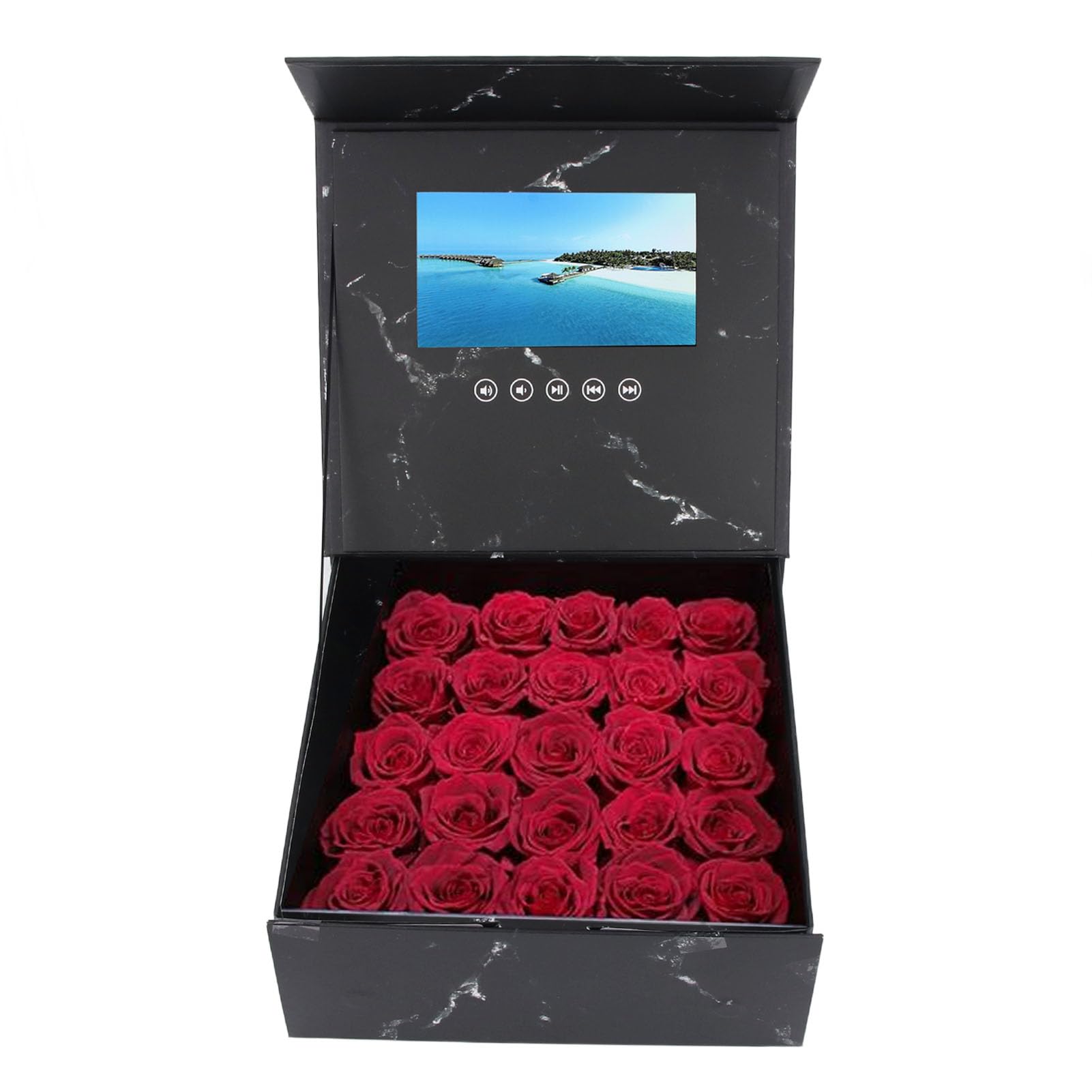
BulletPoint1 : [Optimal Image Ratio] Electronic greeting card with 4:3 playback ratio and full format 720p high definition video support for smooth decoding.
BulletPoint2 : [Customizable Content] Easily personalize video content for weddings, parties, or business marketing to showcase unique messages.
BulletPoint3 : [Multiple Format Support] Lcd screen video brochure compatible with various image and video formats such as jpeg, mp4, and more.
BulletPoint4 : [Large Capacity Space] Spacious design allows for diverse decorations like presents and flowers, enhancing visual appeal.
BulletPoint5 : [Endless Creativity] Versatile video greeting card for birthdays, anniversaries, and marketing, offering boundless customization options.
CamcorderType : webcam
Color : #611
ConnectivityTechnology : USB
ExternallyAssignedProductIdentifier : 7706110003186
HasSelfTimer : 1
IncludedComponents : 1
ItemName : 7 Inch LCD Display Video Greeting Card Present Box with Digital Brochure Card Box, for Wedding Invitation Electronic Video Gift Box Xmas Anniversary Birthday DIY Video Pictures
ItemPackageDimensions_Height : 7 centimeters
ItemPackageDimensions_Length : 54 centimeters
ItemPackageDimensions_Width : 37 centimeters
ItemPackageQuantity : 1
ItemTypeKeyword : camcorders
Manufacturer : Wisoqu
MaxFocalLength : 1
MediaType : Micro SD
MinFocalLength : 1
ModelName : Wisoqugismh9df5p
ModelNumber : Wisoqugismh9df5p
NumberOfItems : 1
PartNumber : Wisoqugismh9df5p
ProductDescription : Spec:
Item Type: Video Greeting Card Present Box
Material: LCD
Size: Approx. 265x265x110mm / 10.43x10.43x4.33in
Internal Space Capacity: Approx. 250x255x105mm / 9.84x10.04x4.13in
Display Screen Size: 7 Inch LCD
Interface: Micro USB
Memory: 128M (Built in)
Picture Support: JPEG BMP GIF PNG TIF and other formats of static images display
Video Support: MP4, AVI, MPEG, WMV, RM, RMVB, MKV, VOB, MOV, FLV, ASF, DAT, 3GP, MPG and More
Battery Information: 1500mAh Lithium Ion Battery (Shipped with Built in Battery)
Package List:
1 x Video Greeting Card Present Box
1 x Charging Cable
How To Use:
1. Open the present box to automatically play the video in a loop, and the video will stop when the greeting card is closed.
2. Charging: Use the USB cable to connect one end to the computer and the other end to the greeting card.
3. Do not bend, pat, or drop the present box.
4. Make sure to close the video before connecting to the computer.
5. When downloading videos, place the video files in the corresponding folder, or copy data from the readable disk to the computer or USB drive.
6. This product can be used repeatedly.
ProductSiteLaunchDate : 2025-02-27T05:03:04.387Z
Size : 5inch
SupplierDeclaredDgHzRegulation : not_applicable
SupplierDeclaredHasProductIdentifierExemption : 1
UnspscCode : 14111600
VideoCaptureFormat : MP4
VideoCaptureResolution : 2K
WarrantyDescription : 1
